
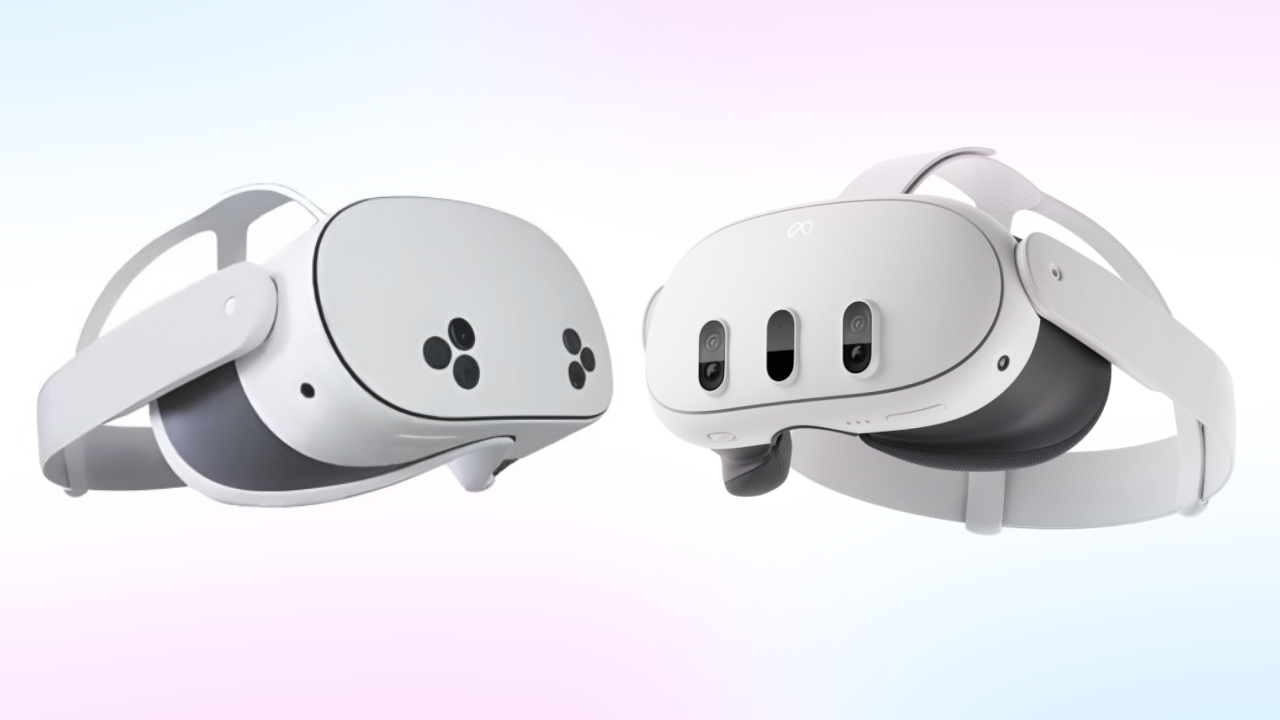
What it is
Built to be worn on a training floor, not a demo booth
No dedicated room, no PC in the corner, no cables to trip on. If it can hold a charge and reach the network, it can run a module.
Meta Quest 3 or Quest 3S — standalone, no PC, no external cameras, no base stations to install
Voice and gesture interaction inside the scenario, not menu clicking
Runs a scenario fully offline; results sync the moment it is back on the network
Same device serves a whole shift — no per-trainee hardware to buy or track
Fleet management
One dashboard, every headset
A trainer never touches Android settings. Assignment and monitoring happen from the same browser tab used to enrol trainees.
01
Sign in
Each trainee signs into any headset with their own PIN — no pairing, no QR code. The headset registers itself in the dashboard the first time it is used.
02
Watch
The dashboard shows whether a headset is online, and a live screenshot of what the trainee sees — without anyone putting it on.
Why it matters
Hardware that disappears into the process
The point of the headset is to be forgettable — a trainer manages people and scores, not devices.
Offline-capable by design — a training floor with patchy WiFi does not stop a session
Every run the headset plays back is scored the same way — see why repetitions are the point
Built for the same modules across every station — see the full catalogue
Put a headset in your team’s hands
A 30-minute demo on a real headset: we hand you a PIN, run a module, and show you the fleet view a trainer actually uses.